



Magic UI
150+ free, open-source animated React components and effects built with Tailwind CSS and Motion.

68components7.7Mviews32.8Kbookmarks
Magic UI contents
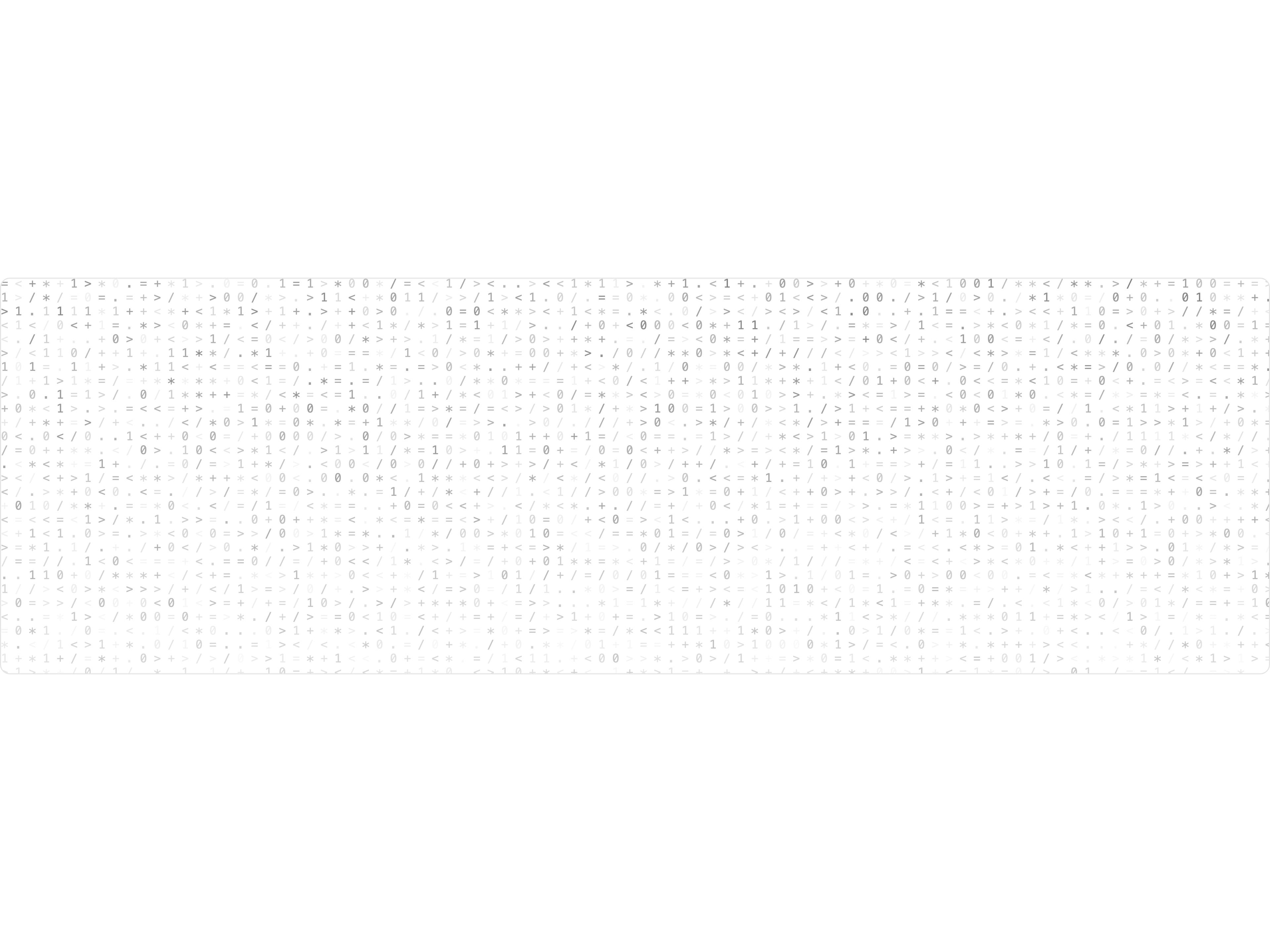
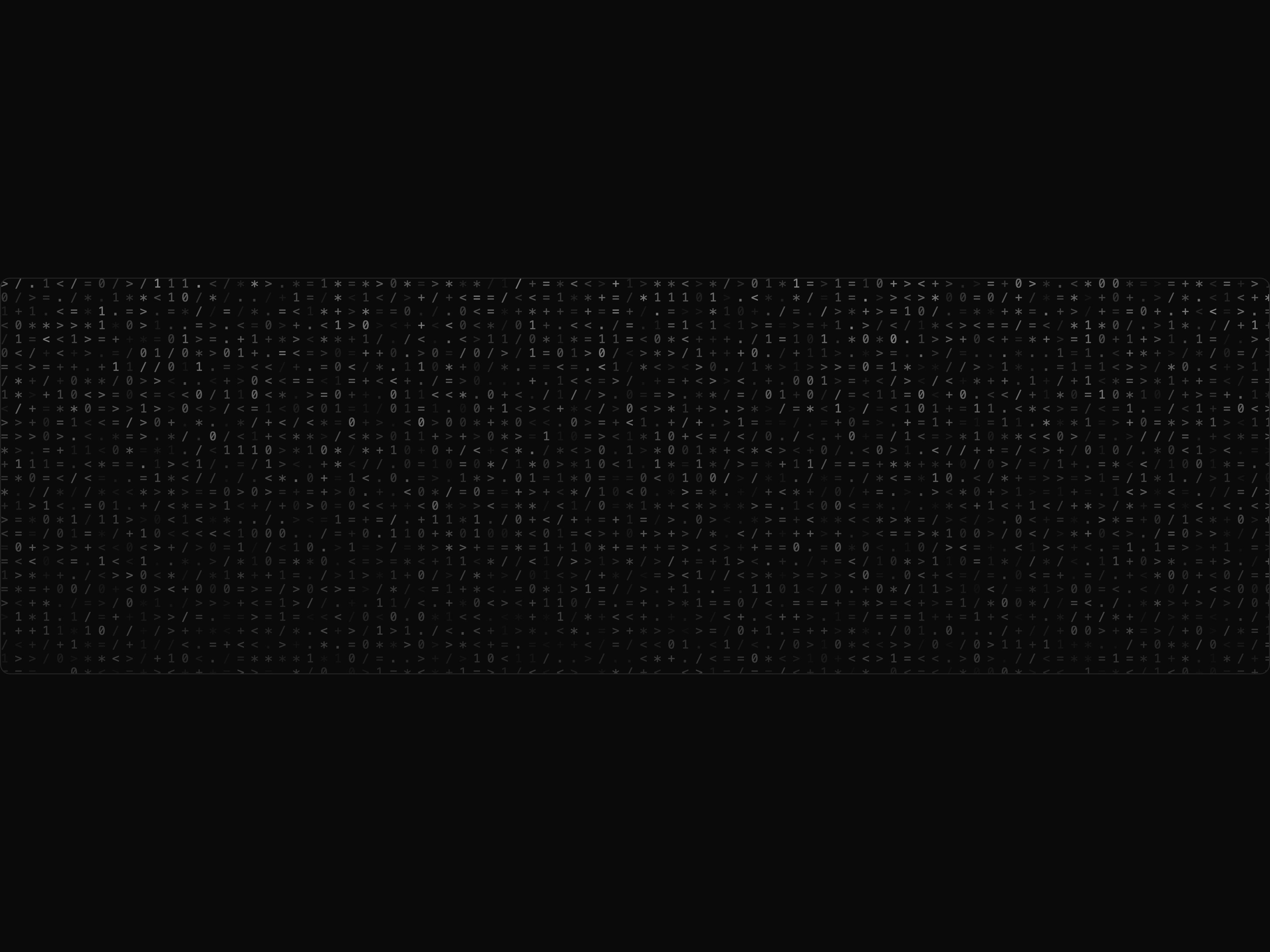
Glyph Matrix
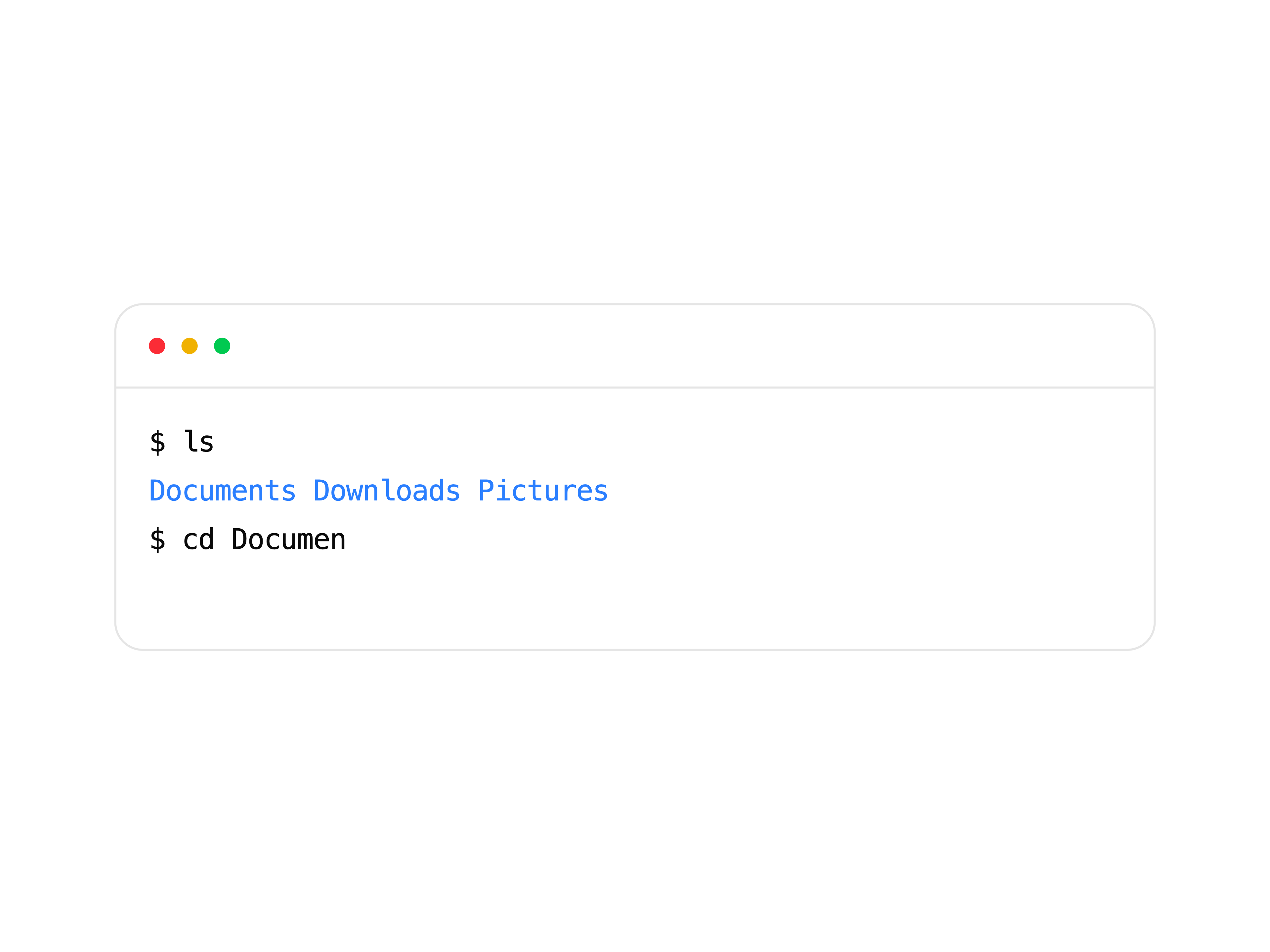
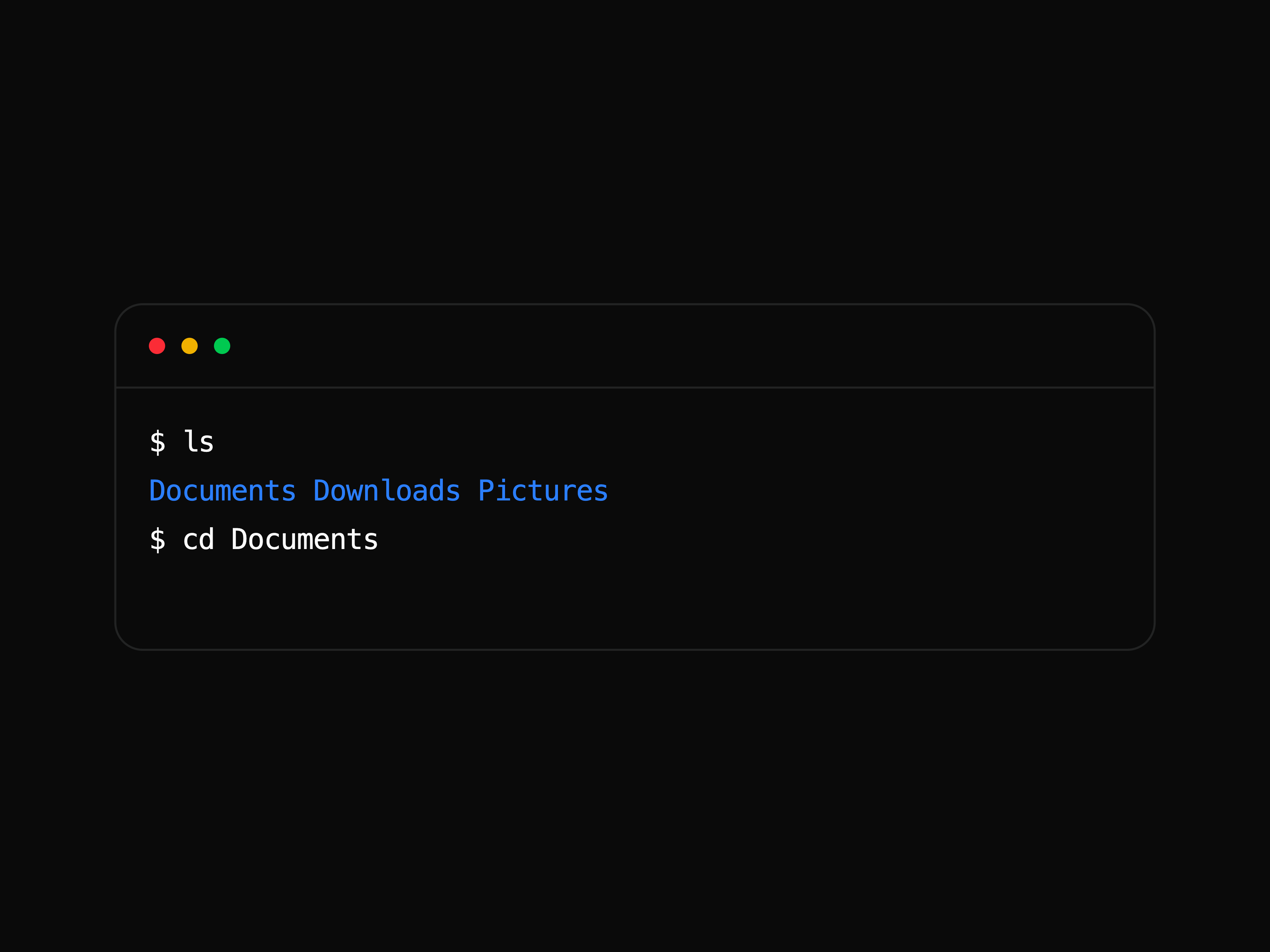
Terminal
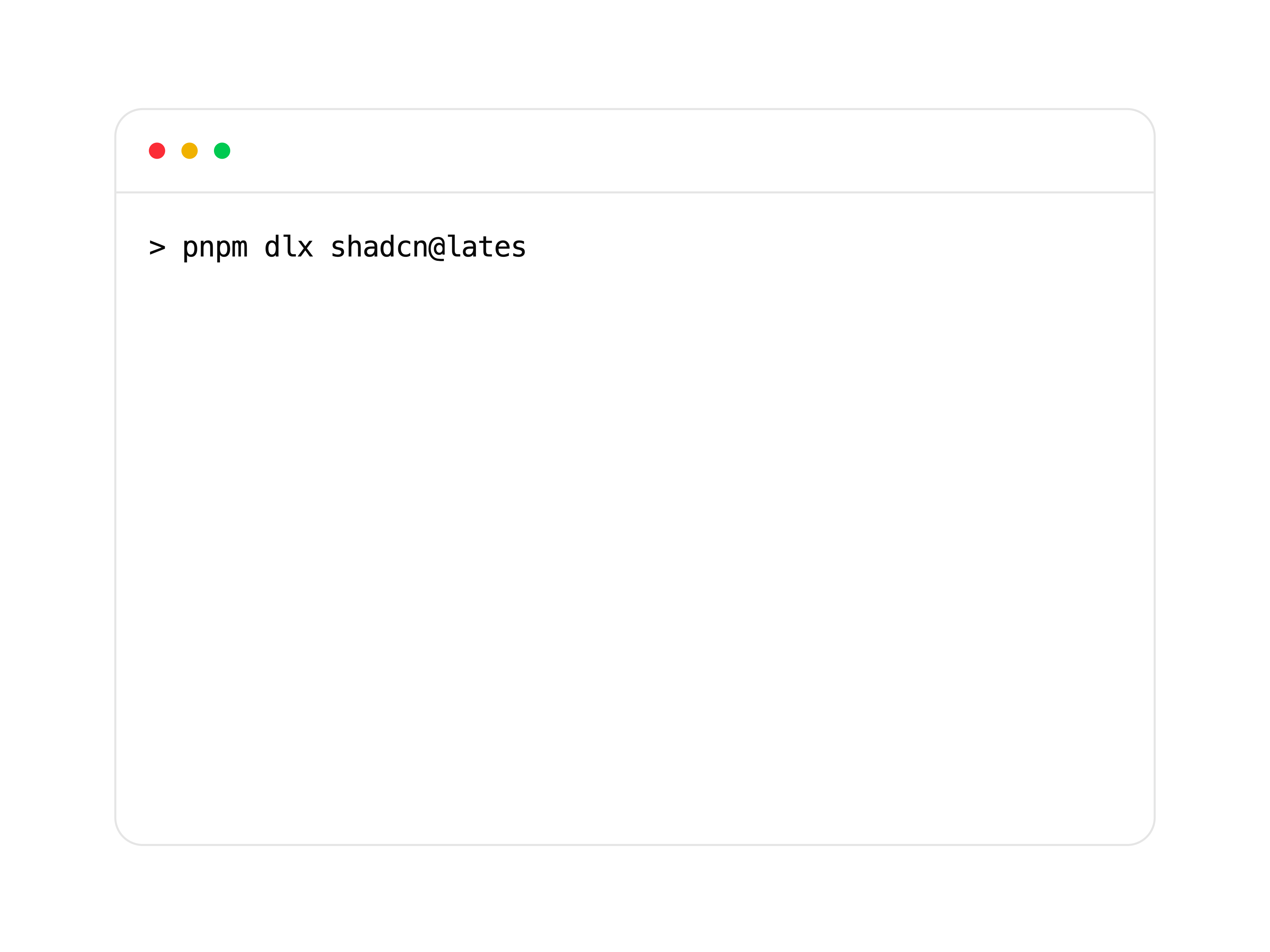
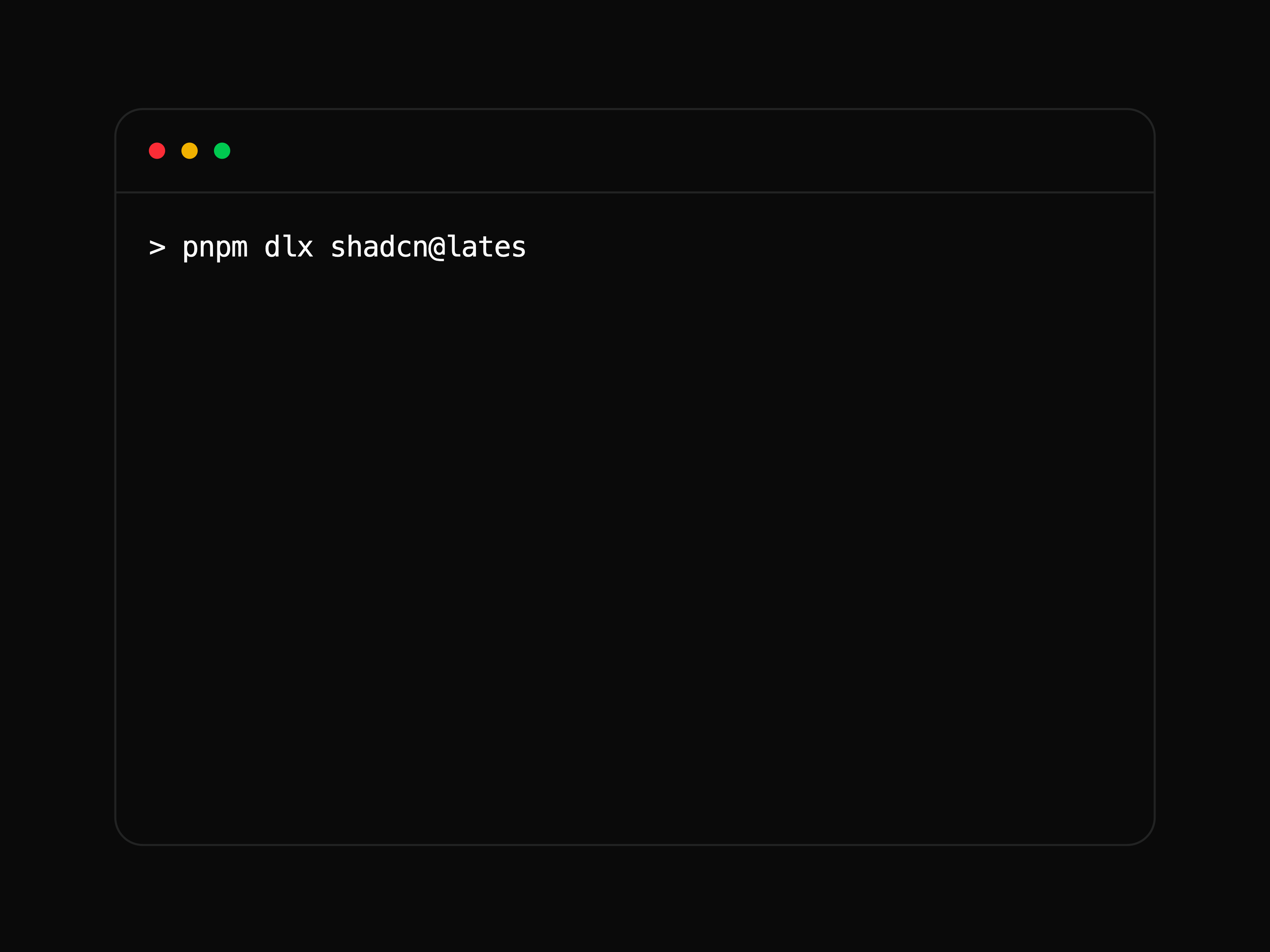
Terminal
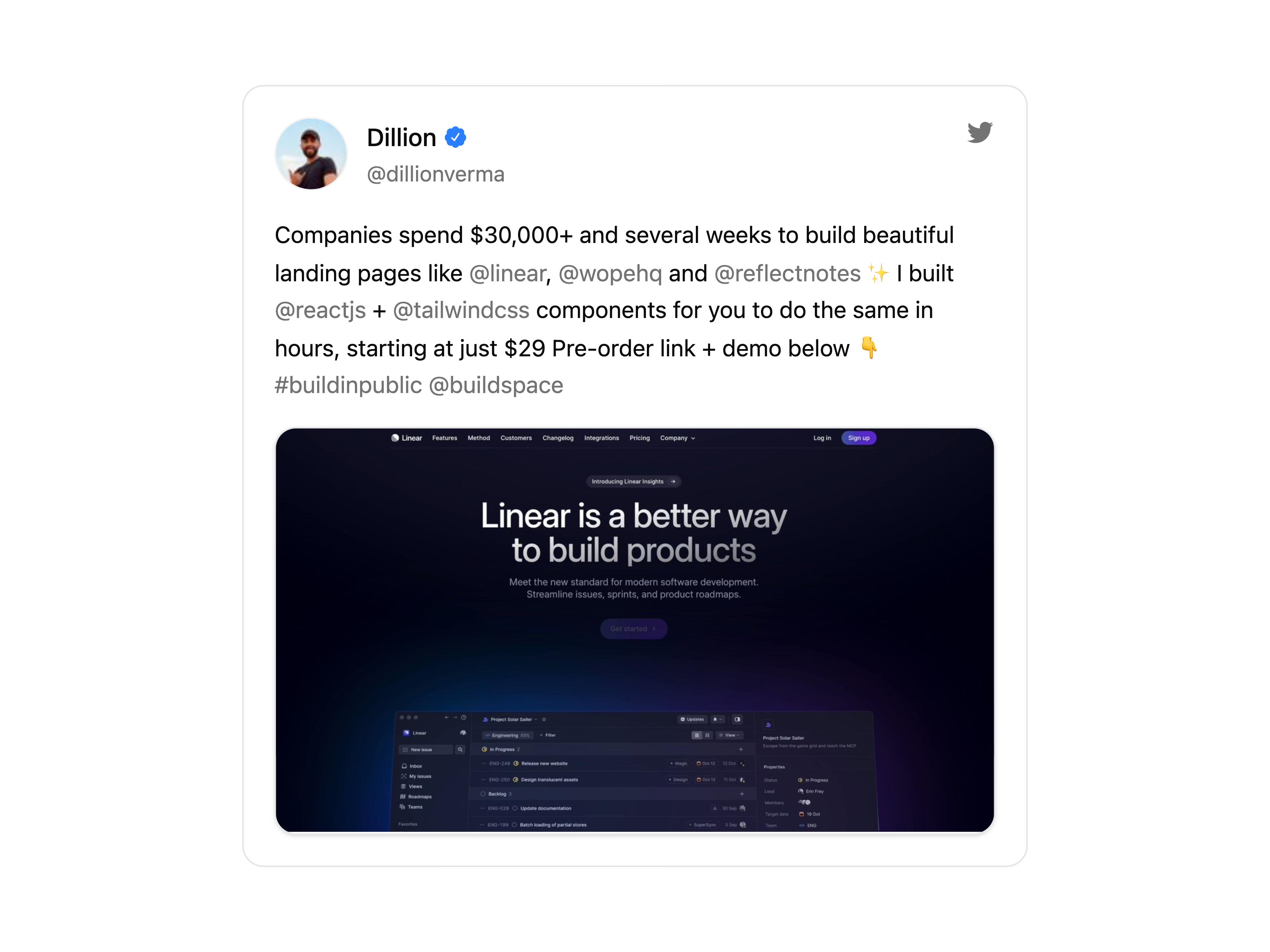
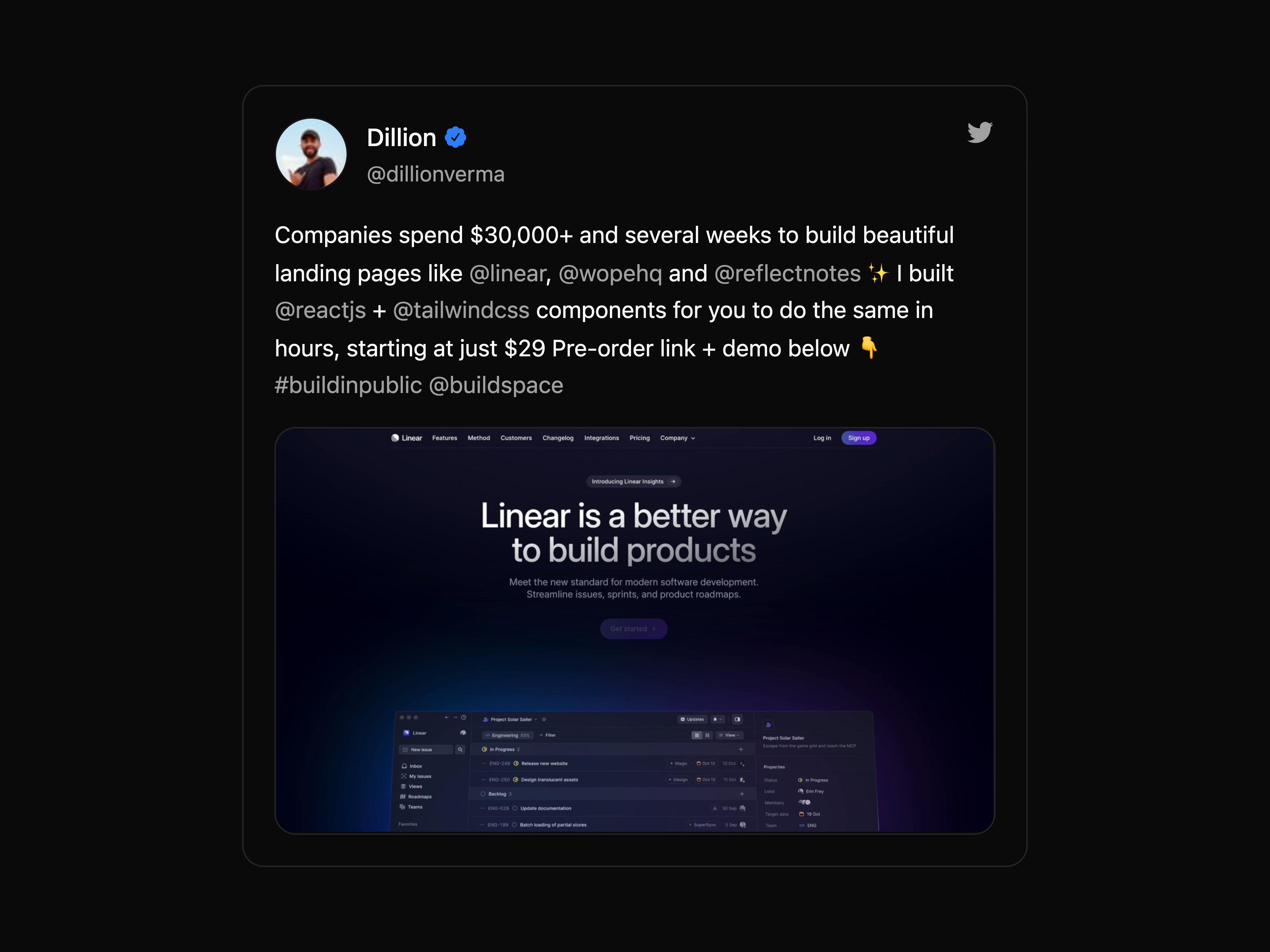
Tweet Card

Striped Pattern

Striped Pattern

Striped Pattern
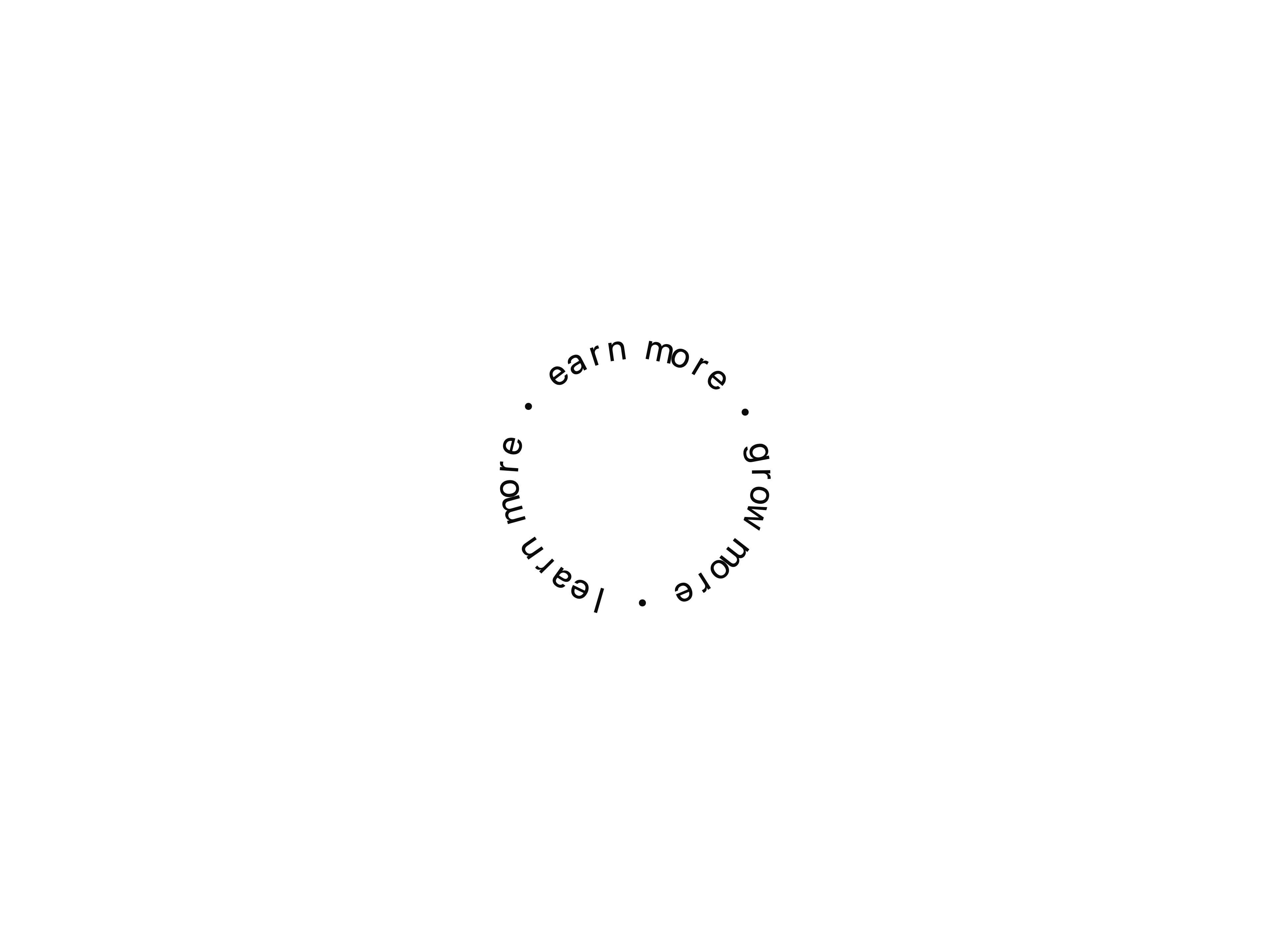
Spinning Text
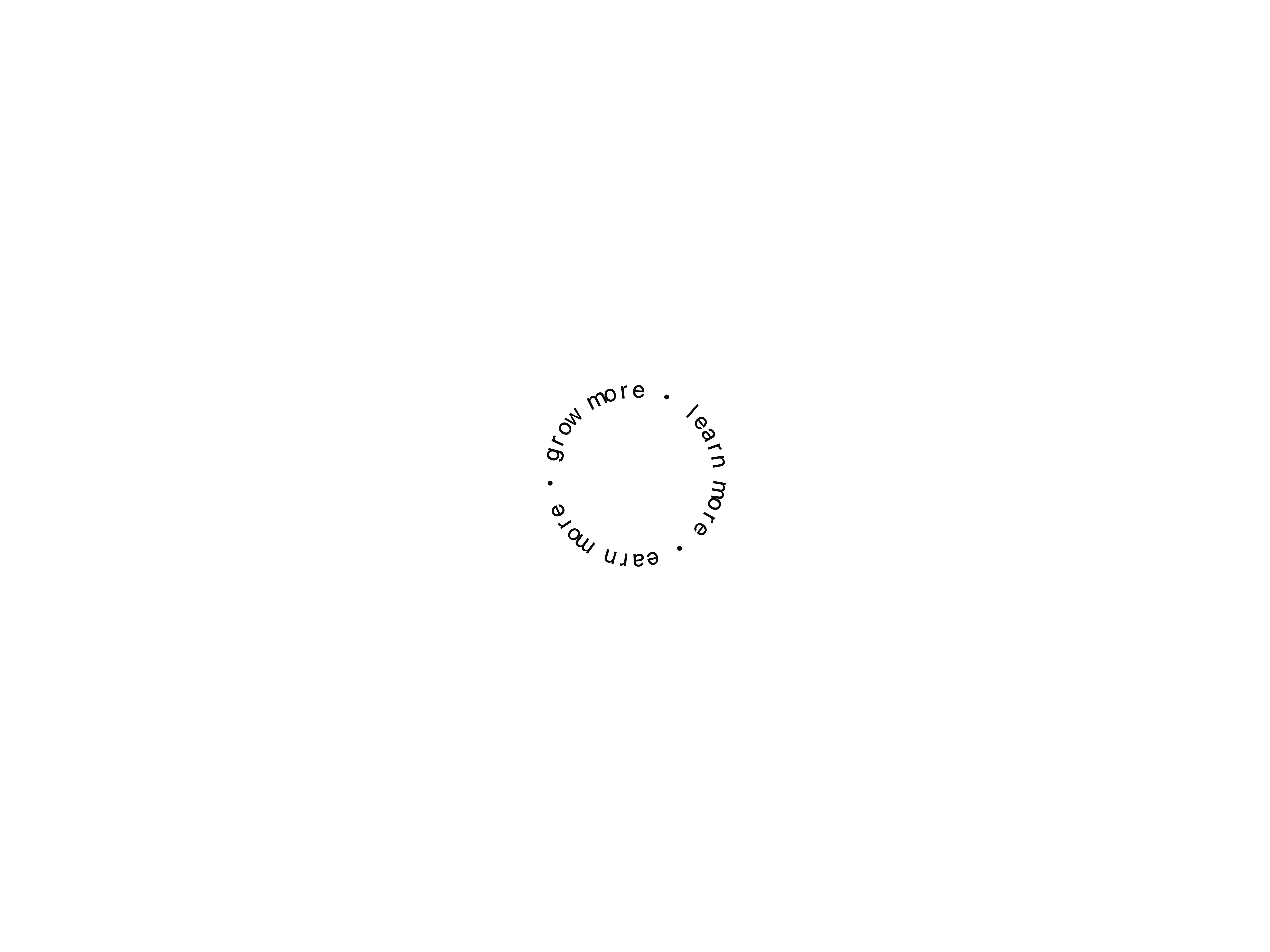
Spinning Text
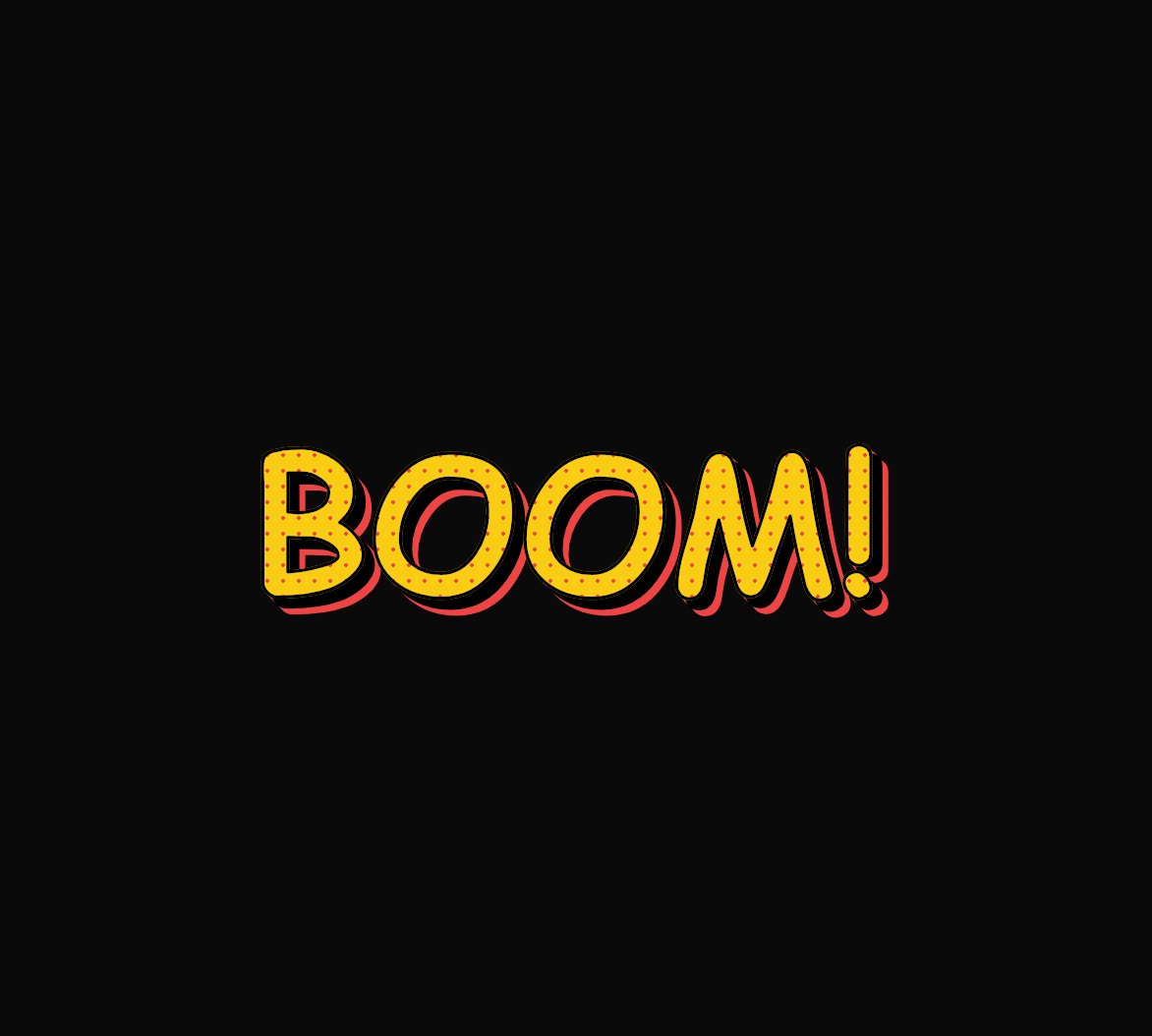
Comic Text
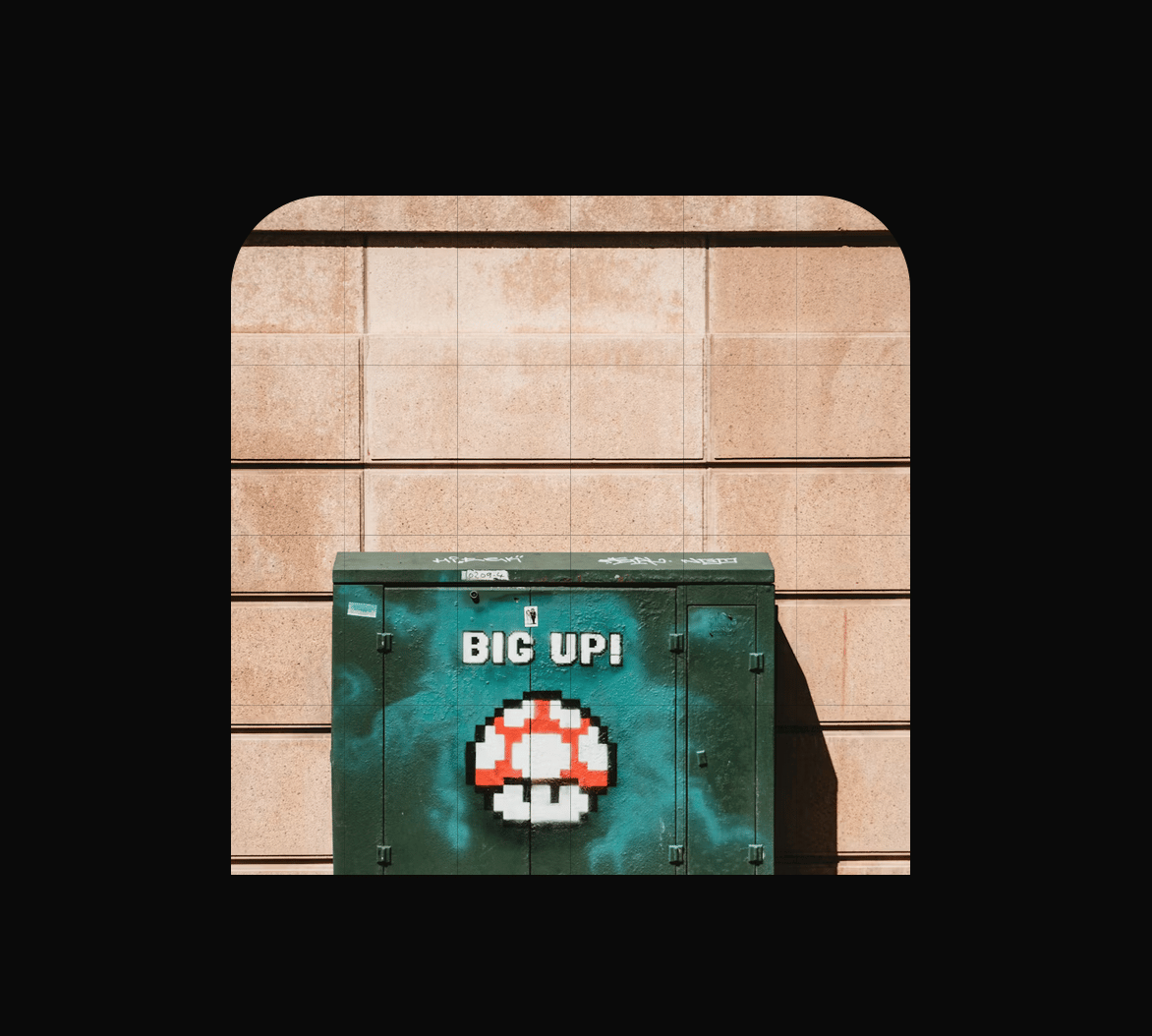
Pixel Image
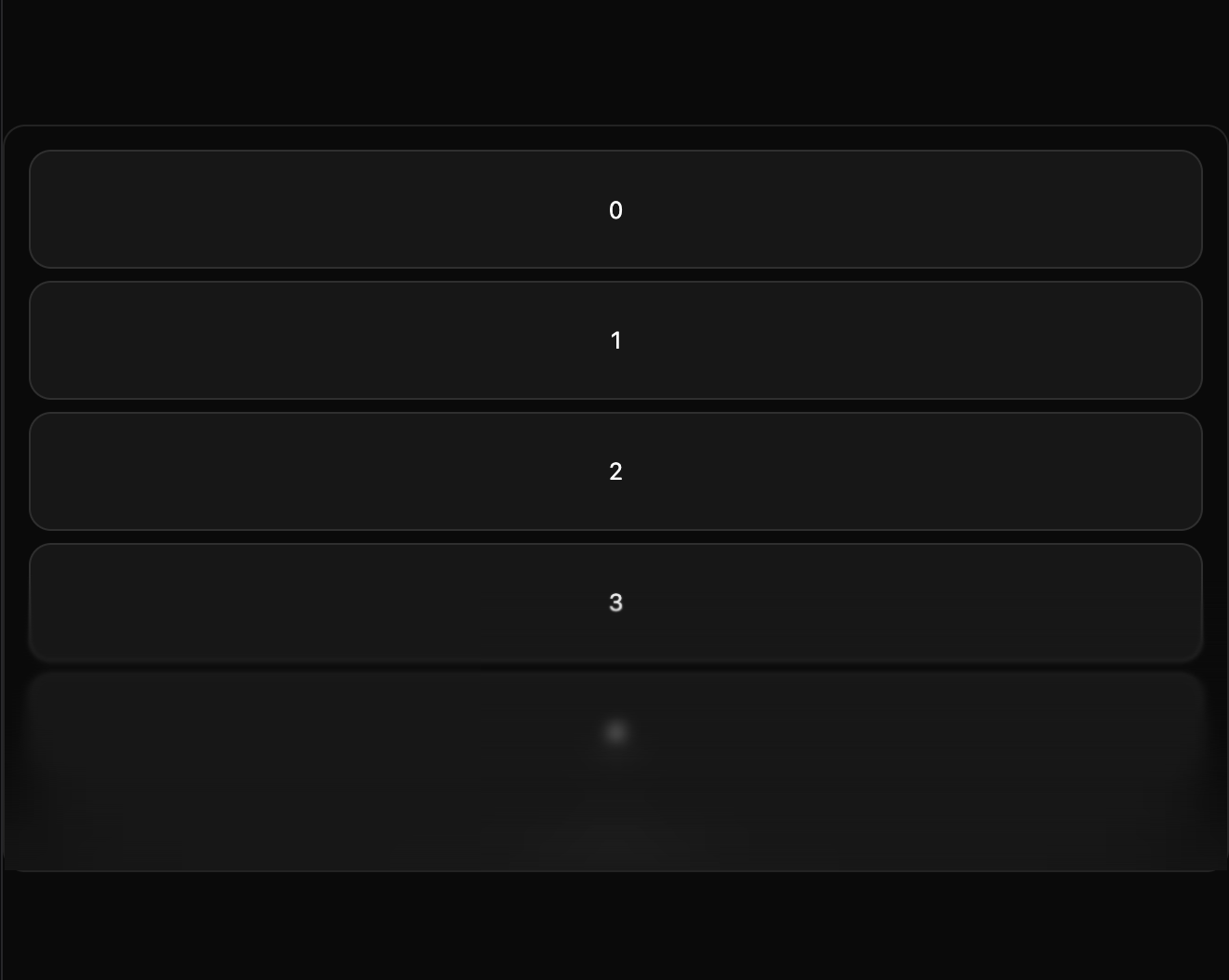
Progressive Blur
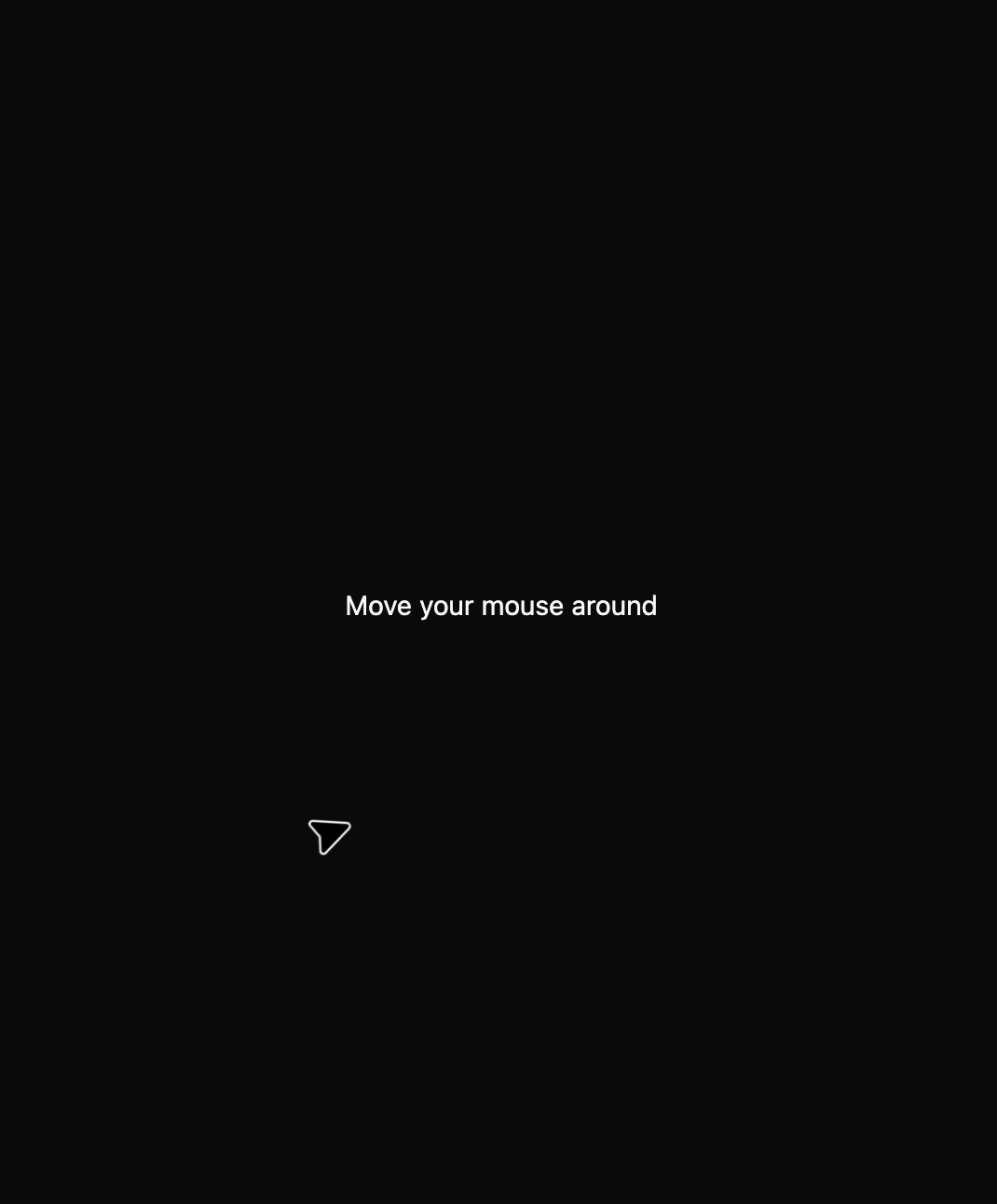
Smooth Cursor
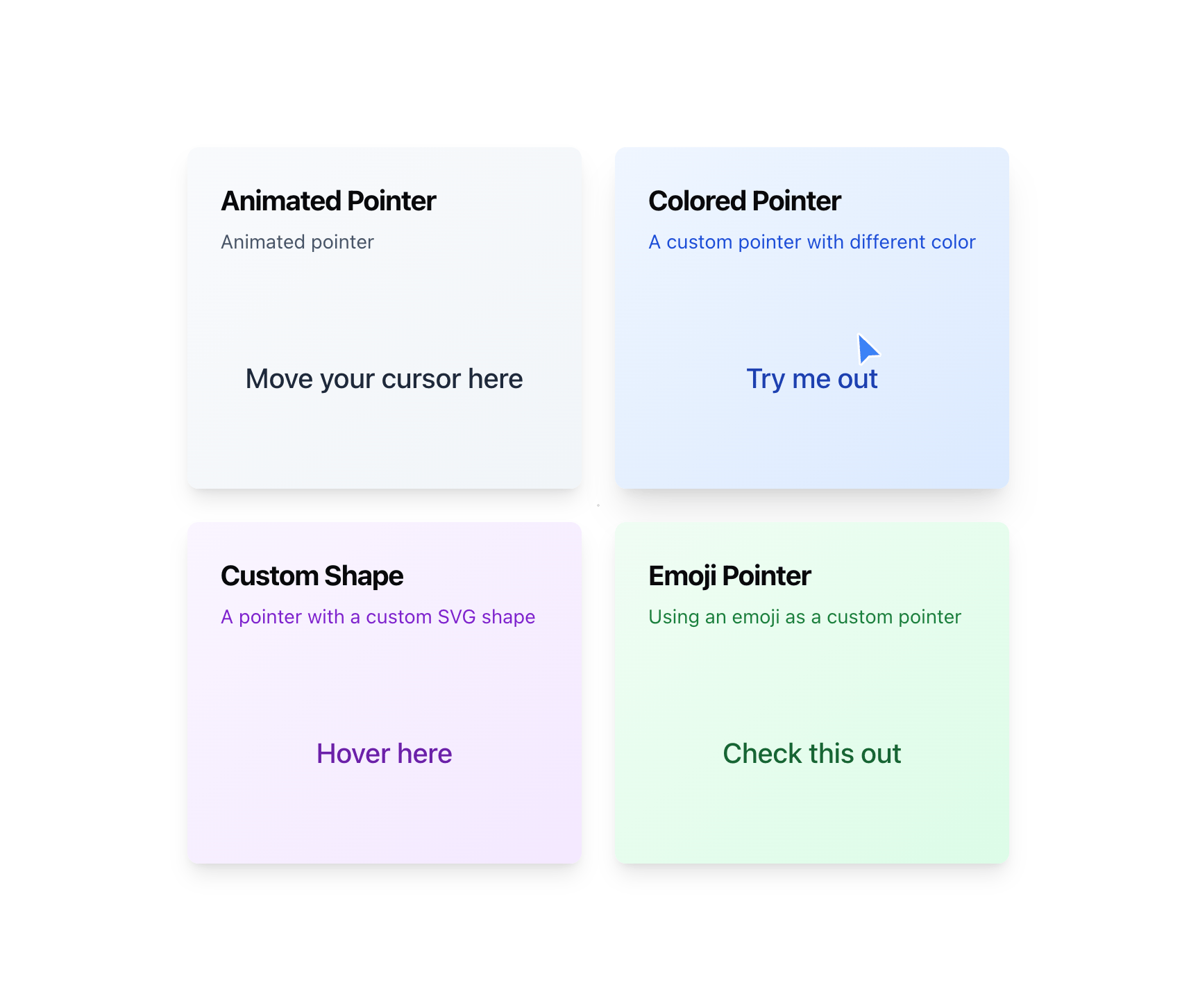
Pointer

Line Shadow Text

Warp Background
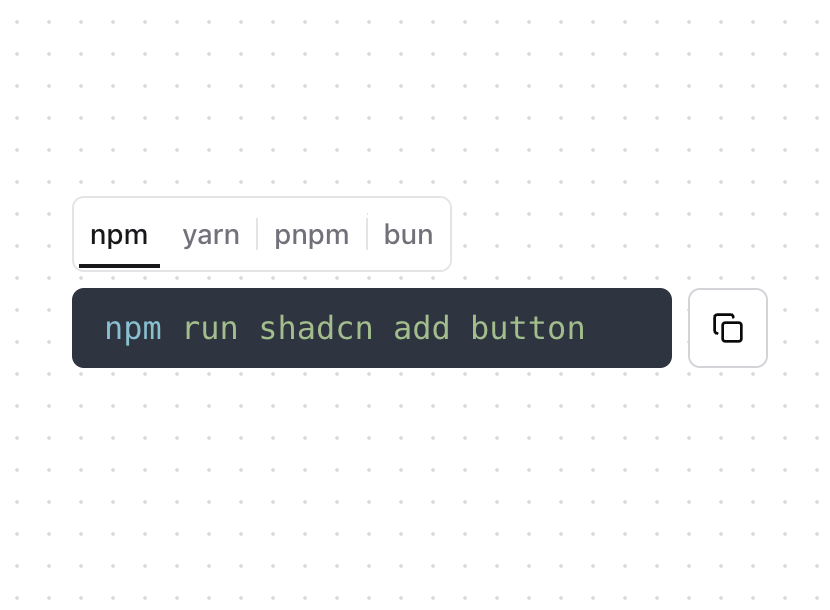
Script Copy Button
Ripple Button
Interactive Hover Button
Morphing Text
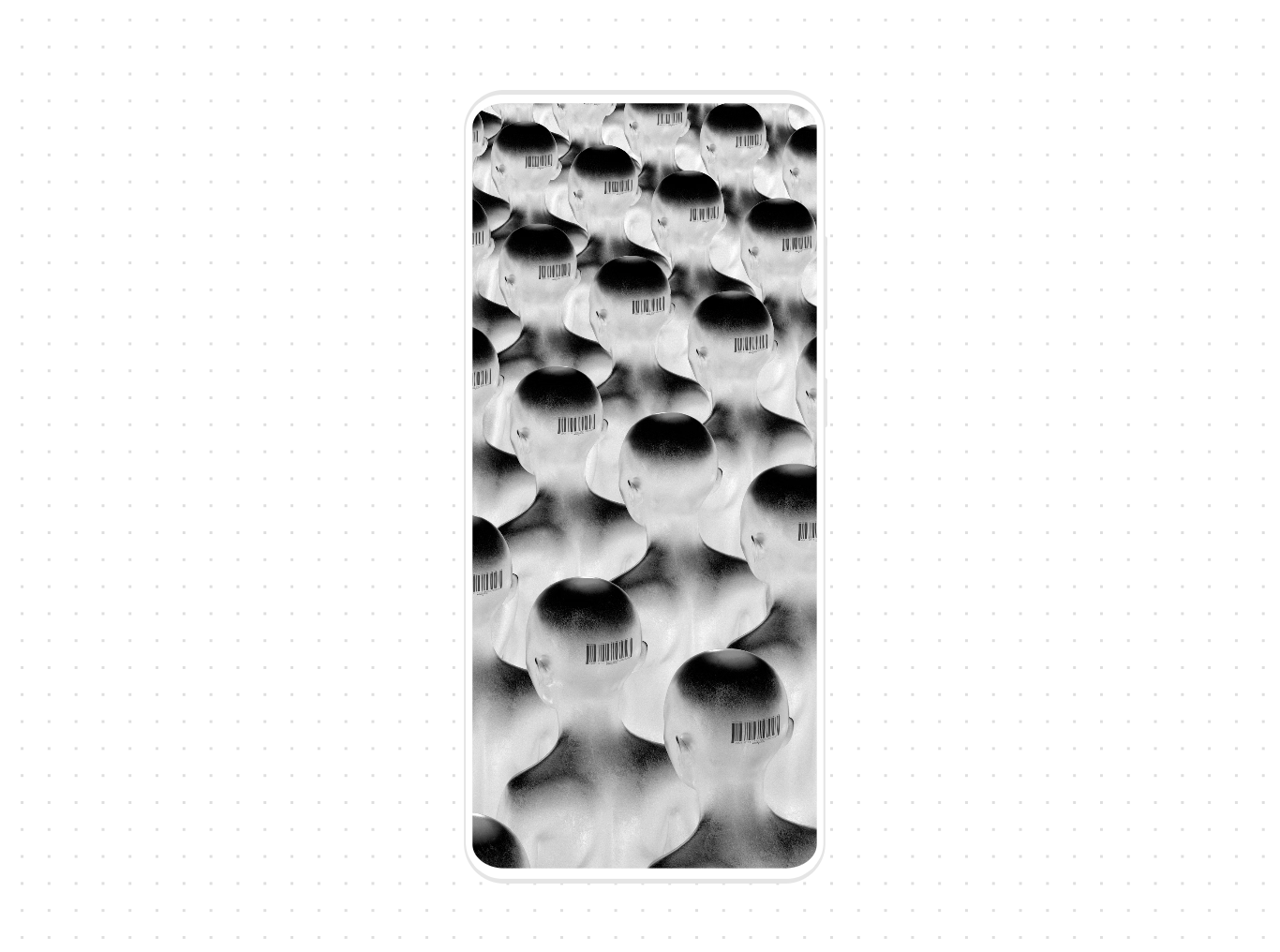
Android
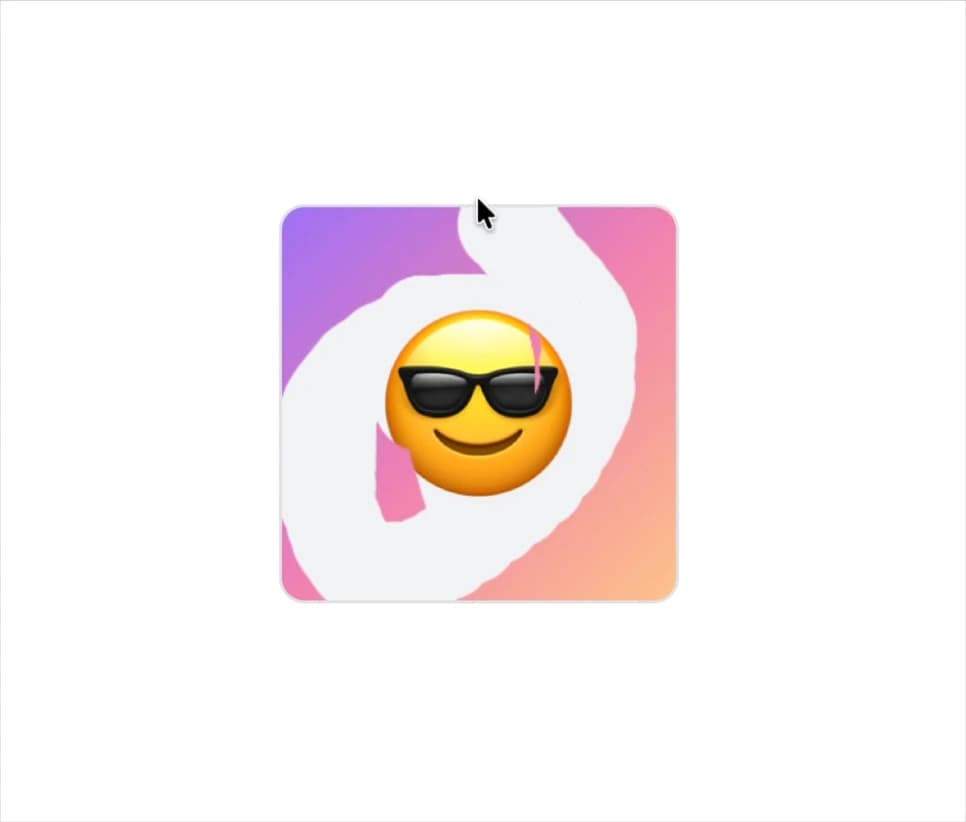
Scratch To Reveal
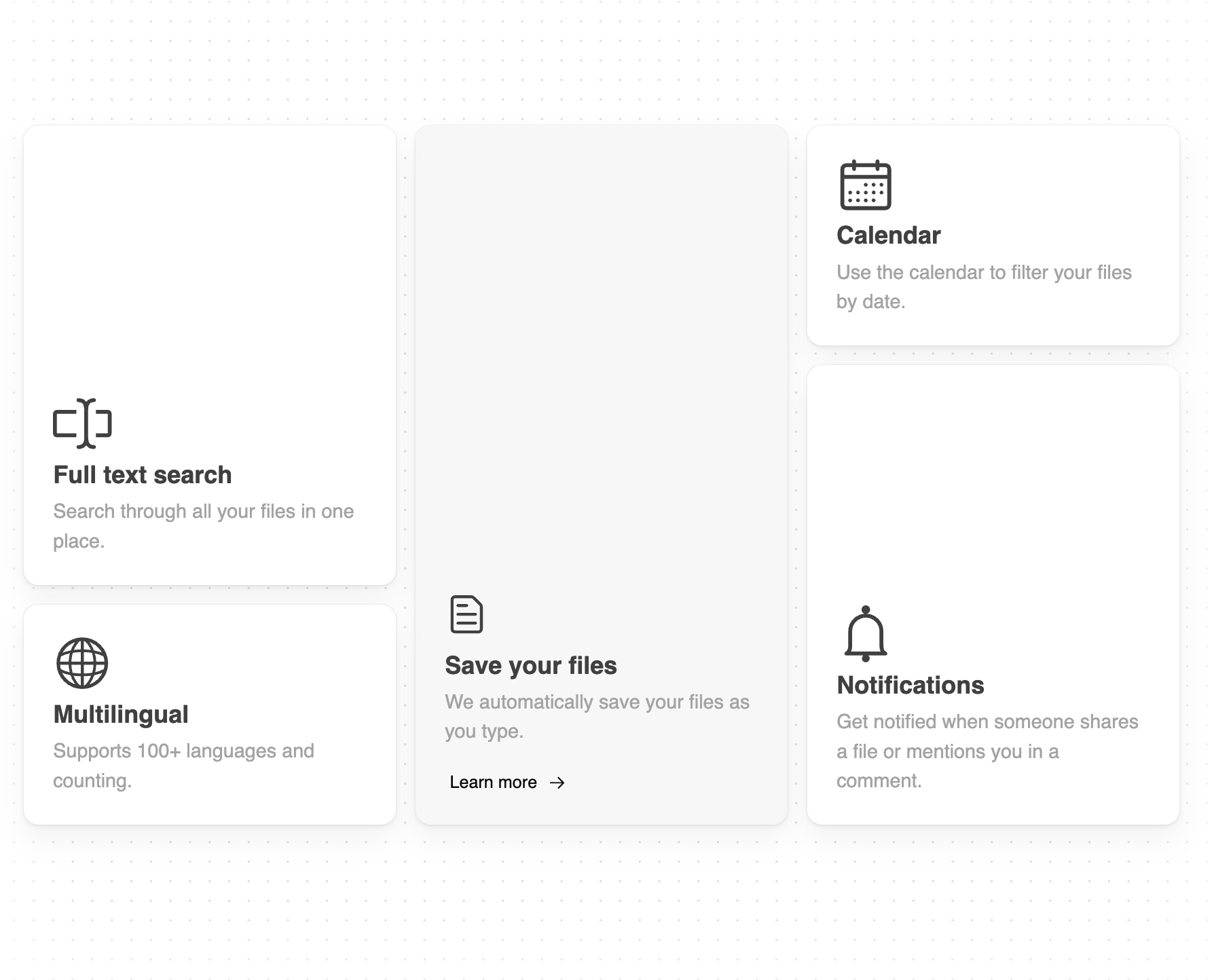
Bento Grid
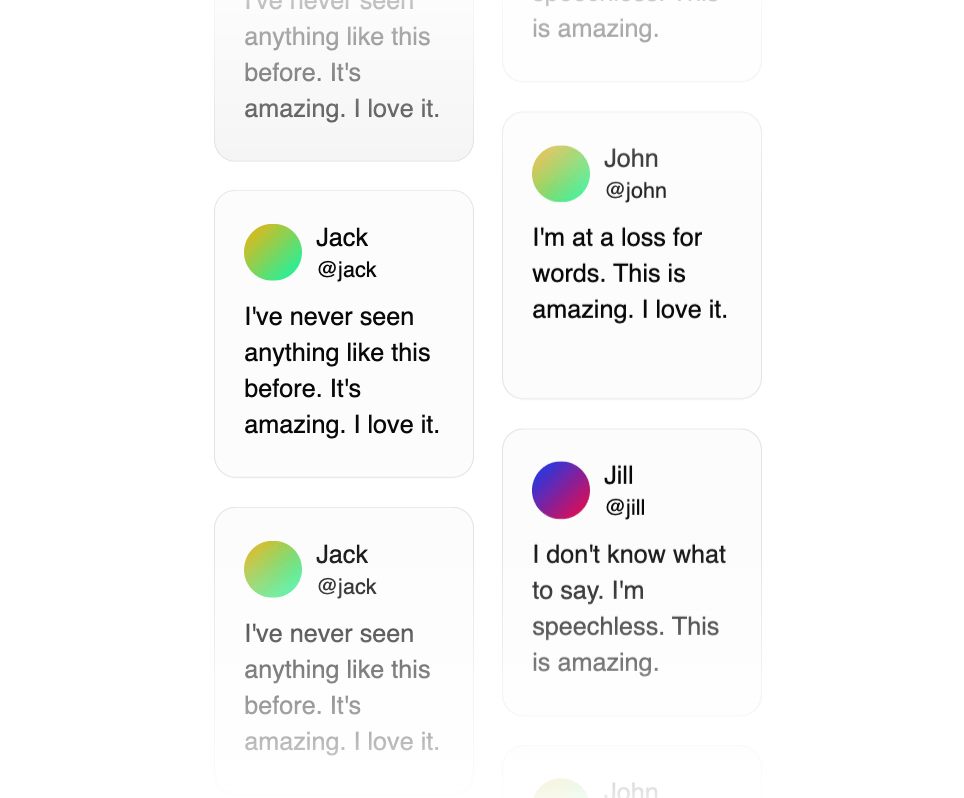
Marquee




About Magic UI
This page collects the Magic UI components published on 21st by Dillion Verma — animated React components aimed at marketing sites and landing pages, in the family of marquees, docks, animated numbers, and decorative motion effects. Each one is built with Tailwind CSS and renders in a live preview here, so you see the exact behavior before you commit.
Compare the components in one place, then take the one you want: copy the full TSX, install it via the shadcn CLI, or pull it into your editor through the Magic MCP from Cursor or Claude Code. Everything is Tailwind-based and drops into Next.js without extra configuration.
All 64 Magic UI components
- Android
- Animated Beam
- Animated Circular Progress Bar
- Animated Gradient Text
- Animated Grid Pattern
- Animated List
- Animated Shiny Text
- Animated Subscribe Button
- Avatar Circles
- Bento Grid
- Blur Fade
- Blur In
- Border Beam
- Code Comparison
- Comic Text
- Confetti
- Cool Mode
- Dock
- Dot Pattern
- Fade Text
- File Tree
- Flickering Grid
- Flip Text
- Globe
- Glyph Matrix
- Gradual Spacing
- Grid Pattern
- Hero Video Dialog
- Hyper Text
- Interactive Hover Button
- Interactive Icon Cloud
- Line Shadow Text
- Magic Card
- Marquee
- Morphing Text
- Number Ticker
- Orbiting Circles
- Particles
- Pixel Image
- Pointer
- Progressive Blur
- Rainbow Button
- Retro Grid
- Ripple
- Ripple Button
- Safari
- Scratch To Reveal
- Script Copy Button
- Scroll Based Velocity
- Shimmer Button
- Shine Border
- Shiny Button
- Smooth Cursor
- Sparkles Text
- Spinning Text
- Striped Pattern
- Terminal
- Text Reveal
- Tweet Card
- Typing Animation
- Warp Background
- Word Fade In
- Word Pull Up
- Word Rotate