

Publish
Get known for what you build
Publishing on 21st turns components you already have into reach: your name, avatar and links travel with your work across the feed, search and every install
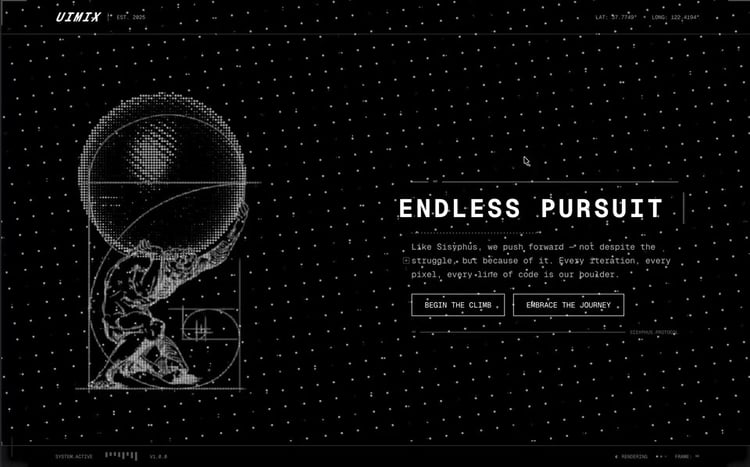
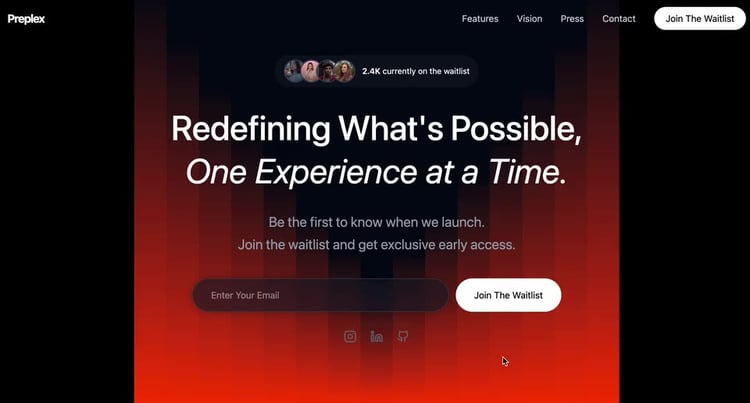
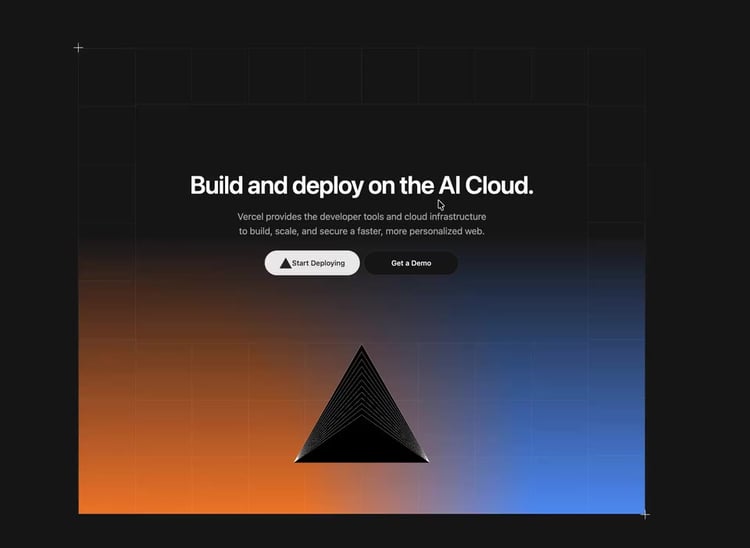
A few of the 801 authors on 21st and one of their pieces with its saves. Every piece carries its author's name, avatar and links
Why publish here
Grow your following
People follow you from your work and come back for what you publish next
Let work find you
Your name, avatar and links travel with every piece: the feed, search, every install
Take support
GitHub Sponsors, Buy Me a Coffee, Ko-fi, Patreon and more. Every click is tracked in your analytics
Ship private libraries
Keep a component private: only you can see and install it
Publishing is one command
From your terminal
npm i -g @21st-dev/cli 21st login 21st publish ./components/PinList.tsxAdd a description, tags, a demo or your own preview with flags, or keep it private with --visibility private. Your agent can do all of it too
Or on the web
- 01
Files
The component's file and what it imports
- 02
Component
Name, slug and a description: what it does and when it's useful
- 03
Demos
At least one demo, each with a name and tags
- 04
Controls
The props people can play with in the preview
- 05
Publish component
Public or private, and submit it for featuring if you like
Themes, templates and shader art too
A theme
Your project's CSS variables, light and dark, as a theme anyone can install
21st publish-theme ./theme.css --name "Midnight"A template
A whole site with its preview; selling on 21st isn't open yet, a priced listing links to your own shop
21st publish-template <name> --site <url> --preview <img>Shader art
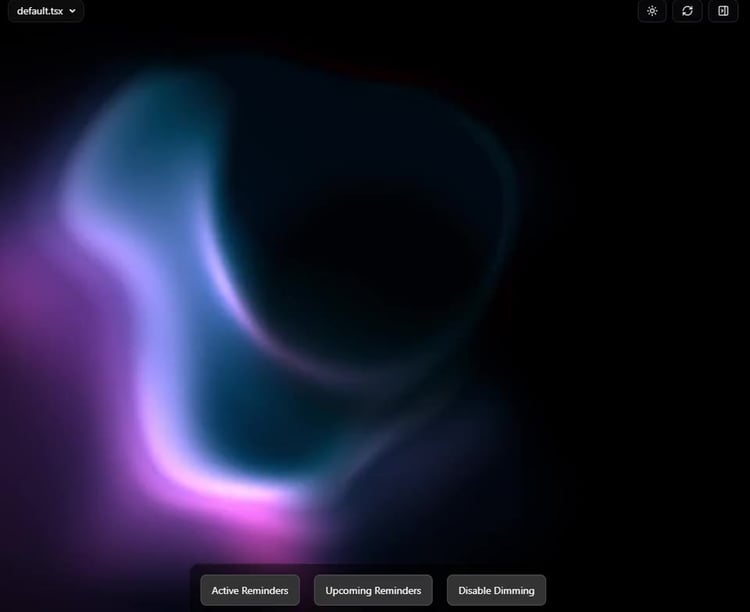
Gradients and ASCII art from their recipe, with a thumbnail
21st publish-gradient <recipe.json> --name "…" --thumbnail <img>Questions about publishing




Publish your first component
One command, or a few fields on the web